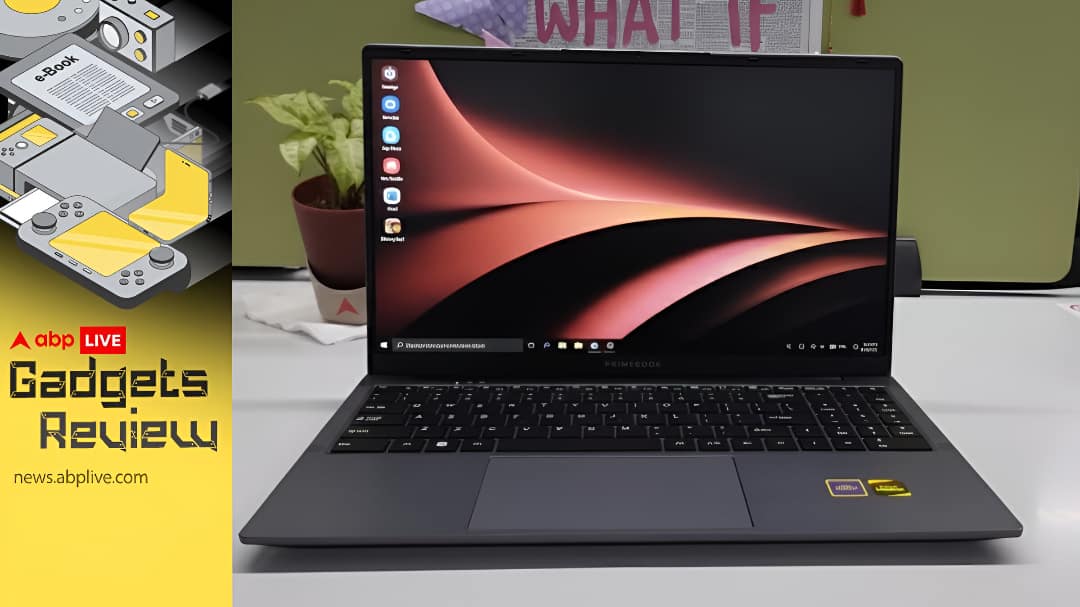

Primebook 2 Max Review:As a recent graduate, I understand how hard it is to switch from the whole Android phone-based ecosystem to the stark Windows environment in your office. You spend weeks on your office laptop just to understand the basics. Switching from Google Docs to MS Word or from Google Sheets to MS Excel can make you feel borderline crazy. Only recently have I come across a device that can be a lifesaver (and a moneysaver) for millions of students in India.
I have spent over a couple of weeks with the Primebook 2 Max, a laptop that makes me wonder if a student was embedded within the development team during its making. The most pleasant bit? The new Primebook laptop comes with a price tag of just Rs 22,990. Let’s unpack every detail one by one, and in the end, comes the verdict: should you buy it or not?
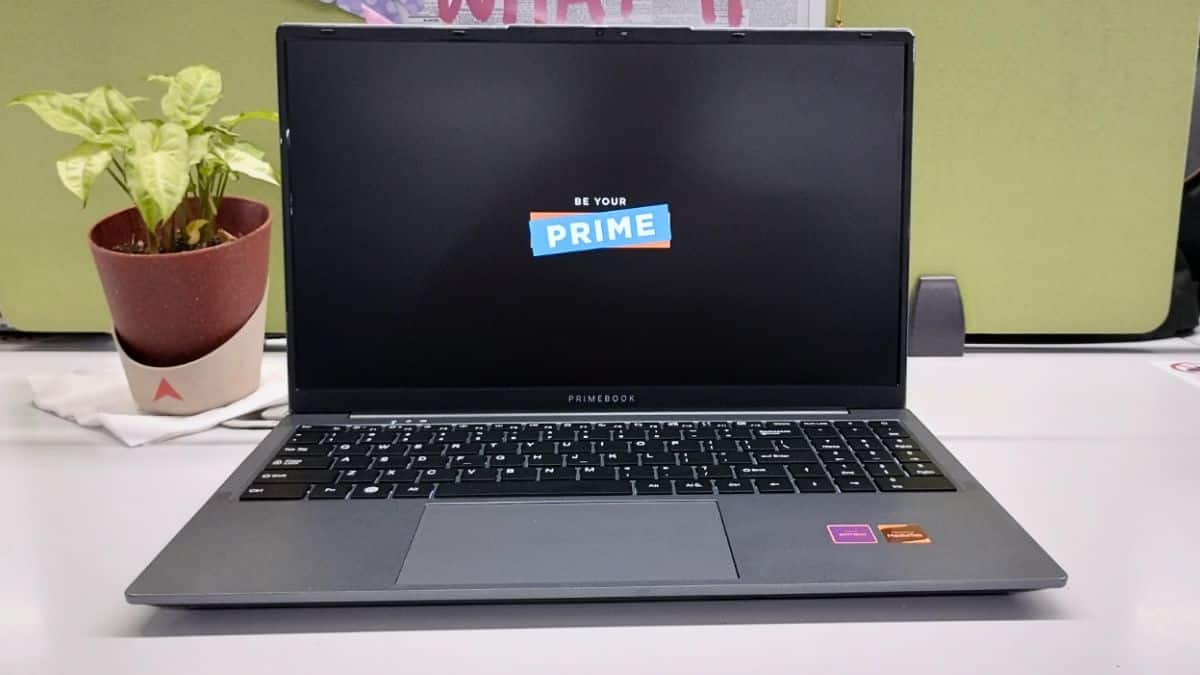
Primebook 2 Max (2025) Review: Quick Pointers
What Works:
- Surprisingly loud speakers
- Anti-reflective screen
- Impressive brightness
- Integrated Gemini support
What Doesn’t:
- Hinge is not sturdy
- Keys are not tactile enough
- A 36W slow charger
- Bulkier than regular laptops
Display & Size: Great For Studying & Binge-Watching, But Not For Carrying
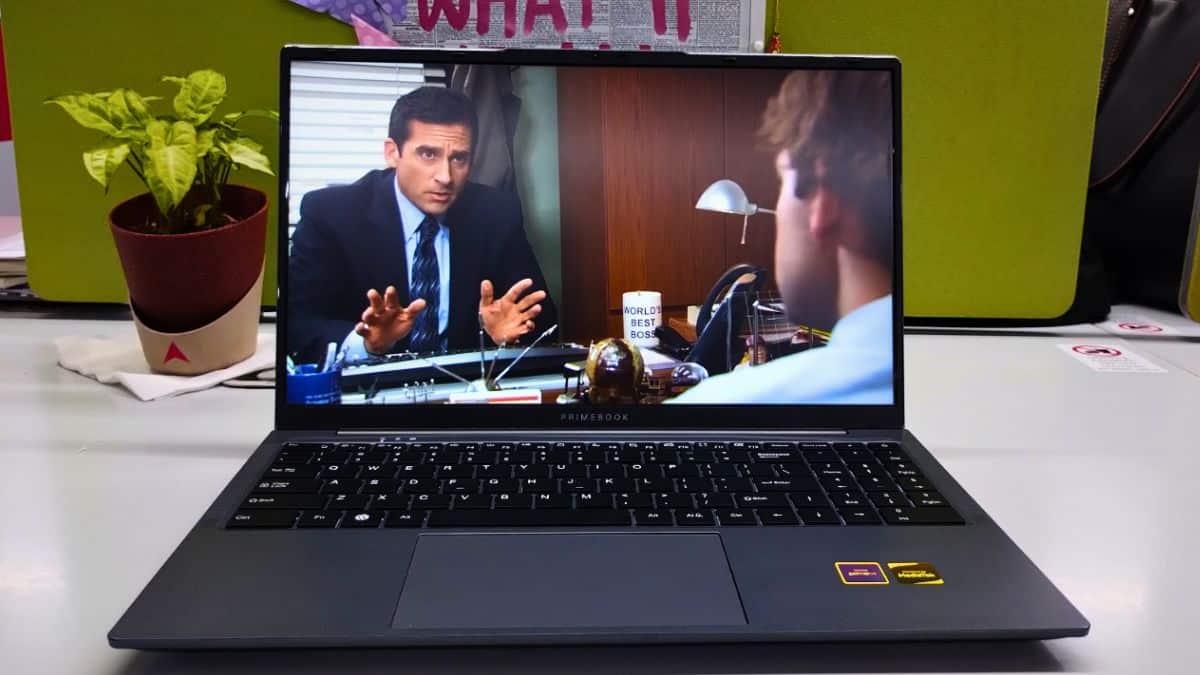
The Primebook 2 Max display has its pros and cons. The 15.6-inch Full HD IPS screen with 250 nits brightness is more than enough for indoor use, whether you are in a room or a classroom.
When I used the device in direct sunlight (which itself is a rarity during Delhi winters), the screen was visible, but long usage strained my eyes. The Anti-Glare and matte finish is a chef’s kiss when it comes to display comfort.
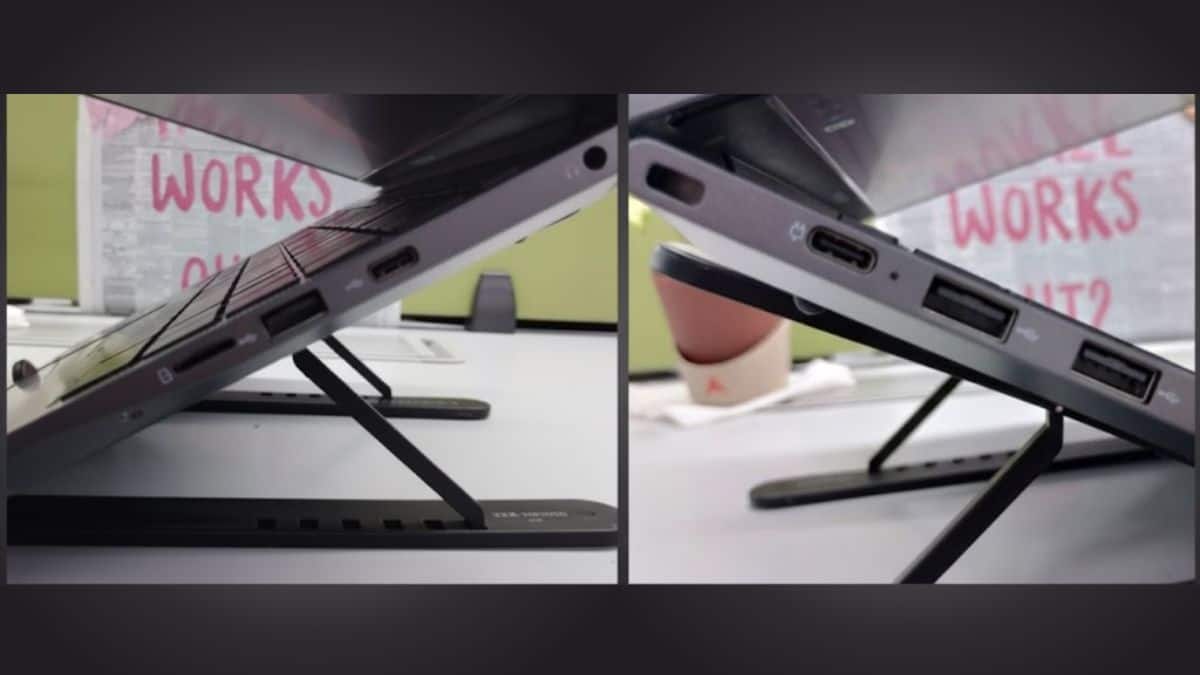
The laptop weighs 1.8 kg, which sounds standard, but somehow the device feels bulkier than its rivals. When I kept it on my lap, it felt a little wobbly. I was always worried it might fall off my lap due to its big size.
The hinge is not sturdy, which makes the screen jiggle a bit. I felt the laptop was too big for me; my work laptop (Dell Latitude 7420) fits perfectly in my handbag, while this one forced me to carry a separate laptop bag.
Battery & Charging: Solid Battery, Charger Not So Much
The Primebook 2 Max and its charger feel like an odd match. The battery capacity is 60.3Wh, paired with a petite 36W charger.
This would be considered to be a ‘fast charger’ for a phone, but for a laptop, it feels slow.
Maybe it’s because I’m used to laptops with 65W charging, but still, it felt underpowered.
Camera: Watch Your Face Clearly
When it comes to laptop cameras, I don’t keep high expectations. All I want is for the camera to show my face as it is. While many laptop cameras distort features and soften details, the Primebook 2 Max is different.
The camera performs well even in low light since you can adjust exposure manually. This especially helps when you want to click a photo in low-light conditions.
Now, meetings, I called my friend for a quick video chat, and it turned into two hours. The camera and sound were so good that we never once shouted, “You’re not visible now!”
Above all, if you’re like me and feel the camera is always watching you, the webcam cover is a huge relief. Just slide the cover, and the camera won’t stare at you.
Audio & Mic: Ready To Make A Blast
The only thing that genuinely made my jaw drop was the speaker system. The laptop has 1W (each) Dual Stereo Speakers with dual microphones. When I say the sound is impressive, I mean speakers that make sure you hear every single word clearly.
I mistakenly played something out loud in the middle of my busy newsroom and immediately got a big “sushh…” from everyone.
The mic is equally good. During the call with my friend, she said the audio was “clear as running water.”
She could even hear my tiny whispers, and that’s when I knew the laptop’s audio setup was genuinely solid.
Performance: Not For Heavy Users, But Good For Students

For a student, this laptop works well. It runs on Android 15 with MediaTek Helio G99, along with 8GB RAM and 256GB storage, pretty decent for an Android-UI laptop.
To test the processor, I worked on it the whole day with around 15-16 browser tabs open together, and guess what, the laptop didn’t flinch. I love playing Valorant, so I tried downloading it, but since the system isn’t Windows, it wasn’t possible. But I downloaded games like Subway Surfers and Asphalt, and those ran without issues.
Because I’m used to Windows, getting comfortable with Primebook 2 Max was difficult, but slowly I got the hang of it. The keyboard has two-level backlighting, but the issue is that the keys aren’t tactile enough, so you don’t always know whether a key is pressed or not.
Should You Buy The Primebook 2 Max?
You should buy it if you are a student and want a laptop that makes studying simple and easy. It also comes with a Linux pack that gives you a chance to code and learn new skills.
You should not buy it if you are a gamer or a heavy user who works on large websites and apps. Also, if you prefer a smaller and lighter laptop, there are many better options available in the market.