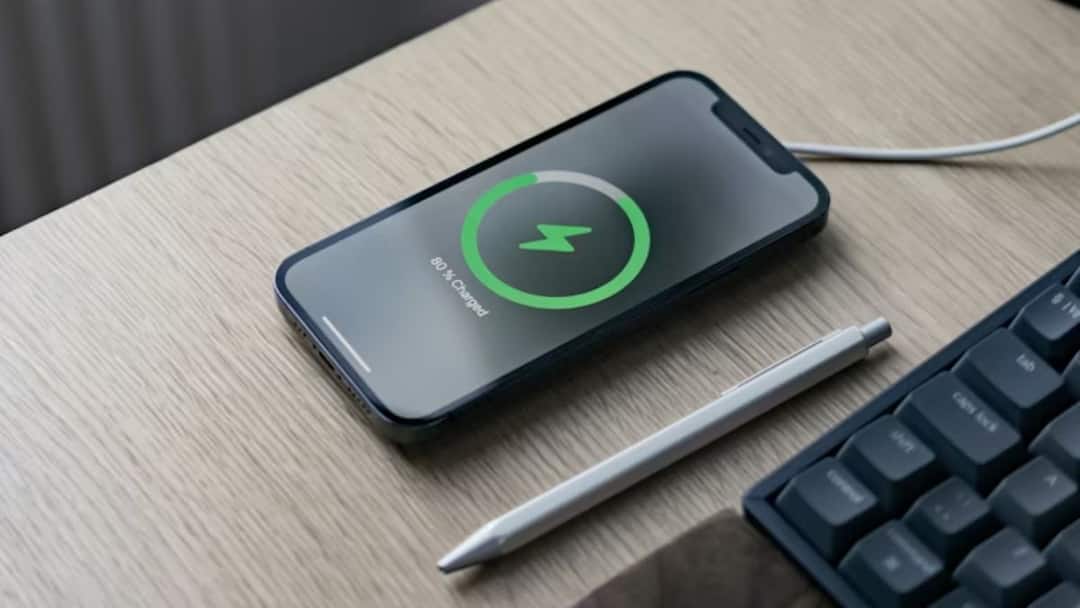

Running out of battery during the day is something almost everyone struggles with. You leave home with 100%, and by afternoon, your phone is already begging for a charger. Buying a new phone or carrying a power bank feels like the only option, but it’s not true. Your phone already has everything needed to save battery. You just need to change a few basic settings.
These small tweaks reduce battery waste and help your phone last all day without extra effort or technical skills.
Fixing Screen Settings Could Help
Your screen is the biggest battery eater. Keeping brightness high drains power very fast. Lower the brightness to around 40–50% and turn on auto-brightness so your phone adjusts the light based on the surroundings. Also, reduce the screen timeout to 30 seconds or 1 minute. This makes sure the display turns off quickly when not in use.
If your phone has an AMOLED or OLED screen, turn on dark mode. Dark mode uses less power because black pixels consume very little battery. Enable it in display settings and in apps like WhatsApp, Twitter, and your browser. These simple display changes alone can help your phone battery last all day.
Controlling Apps Can Be Of Great Help
Many apps keep running in the background even when you don’t open them. This slowly drains the battery. Go to battery settings and restrict background usage for apps that don’t need instant updates. On iPhone, turn off background app refresh for non-essential apps.
Also, check battery usage stats. If an app is using too much power, remove it or limit its activity. Poorly optimised apps can drain battery without you noticing.
Manage Location & Connectivity
Location services use a lot of power. Change app permissions from “Always” to “While Using App.” This way, GPS works only when needed.
Turn off Wi-Fi, Bluetooth, mobile data, and NFC when not in use. Your phone keeps searching for networks when they are on, which wastes battery. In low-signal areas, turn on aeroplane mode because your phone drains more power trying to find a signal.
Battery Saver Mode Might Be Your Saviour
Battery saver mode limits background activity and optimises performance. Don’t wait until the battery hits 20%. Turn it on at 50% if you know you’ll need your phone all day. This simple habit can easily add 3–5 extra hours of battery life.
These steps can easily add 3–5 extra hours to your phone battery life.